AI Agent for LabVIEW Introduction
Product Overview
Agent for LabVIEW is an intelligent agent development toolkit for measurement, control, and automation scenarios.
It brings the understanding, planning, and execution capabilities of large language models (LLM) into LabVIEW, enabling developers to quickly build deployable intelligent applications through natural language + VI toolchains.
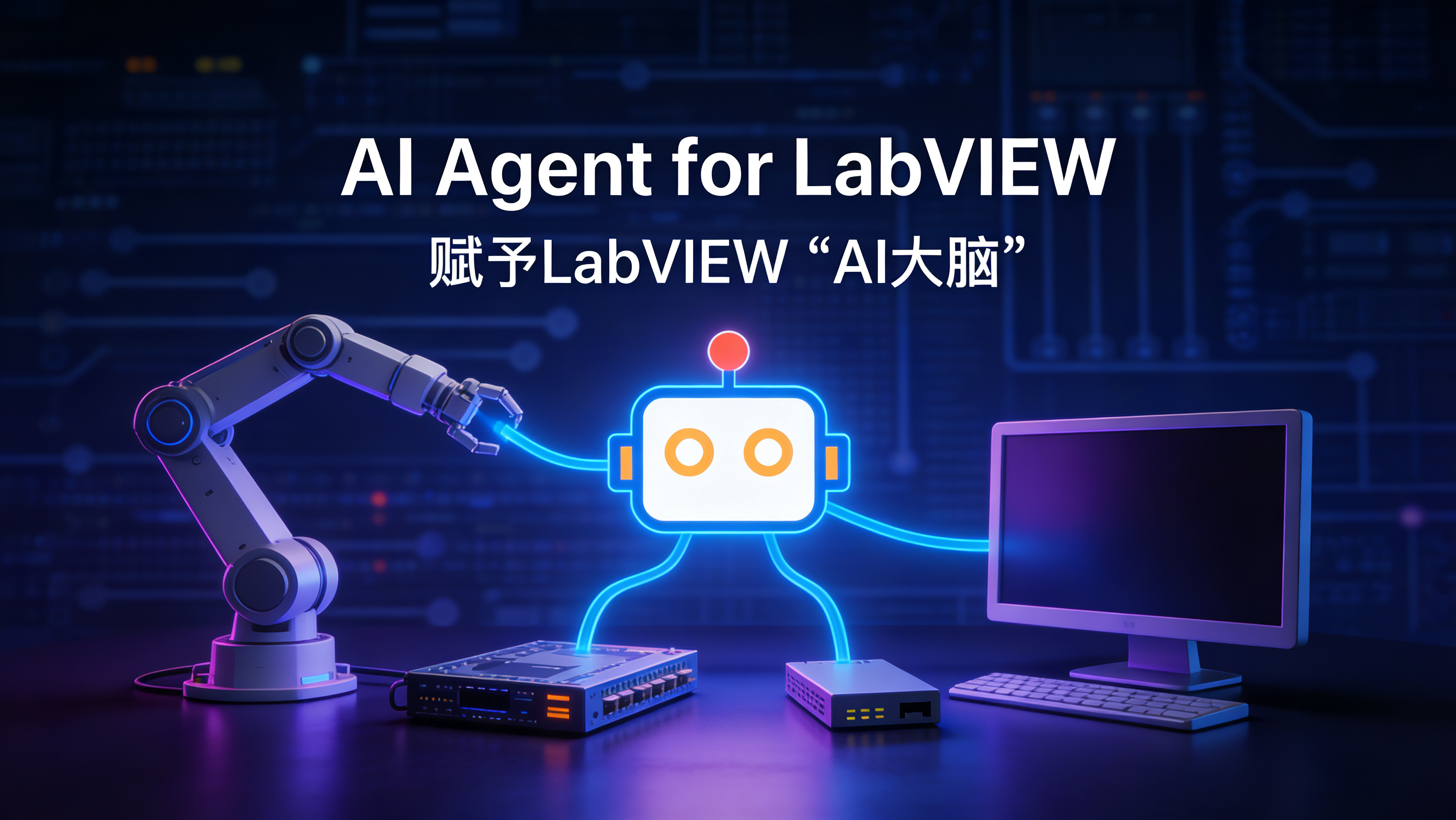
The core objectives of this toolkit are:
Enable the model to understand LabVIEW projects and VI logic
Enable the model to call VIs to complete actual tasks
Enable the model to participate in document processing, code generation, and engineering collaboration
Parse VIs to complete LabVIEW-to-other-language conversion
The current version supports both LabVIEW 64-bit and 32-bit environments (LabVIEW 2018 and above), facilitating smooth integration into existing projects and historical systems.
Why Agent for LabVIEW is Needed
In scenarios such as industrial testing, production line control, device commissioning, and scientific research experiments, LabVIEW has stable and reliable graphical development capabilities, but still needs enhancement in the following areas:
Rapid understanding and knowledge reuse of complex projects
Automatic decomposition and execution of natural language requirements
Unified scheduling of multi-tool and multi-module workflows
The design goal of Agent for LabVIEW is to upgrade LabVIEW from a "programmable tool" to a "collaborative intelligent agent platform": Not only can it execute predetermined programs, but it can also complete understanding, planning, calling, and feedback within constraints.
Core Capabilities
VI Parsing and Understanding (VI Understanding)
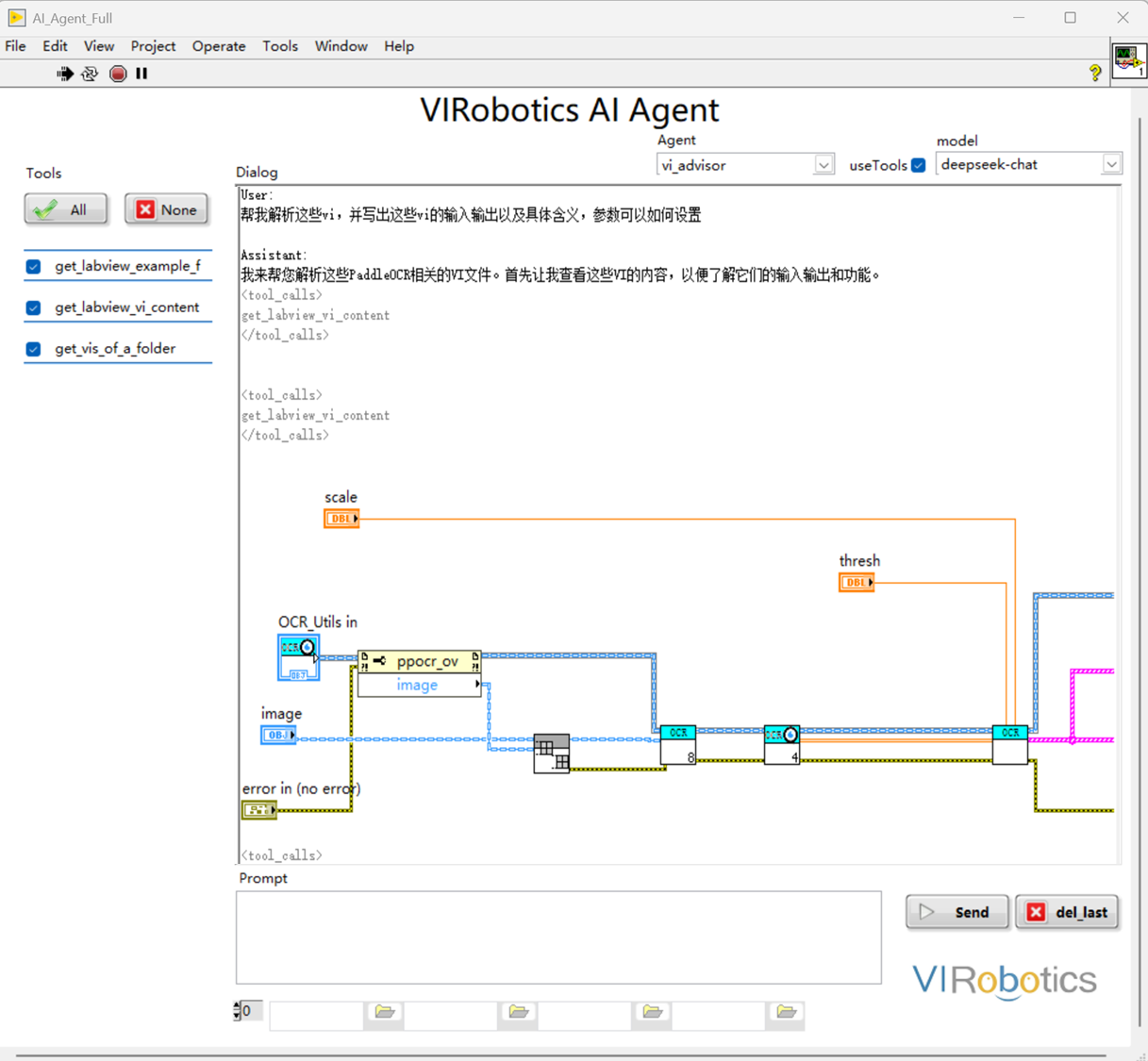
The model can read VI-related information and provide structured explanations, helping teams quickly take over and maintain projects.
Analyze VI inputs/outputs and key nodes
Understand block diagram flows and module relationships
Generate readable function descriptions and calling suggestions
Assist in locating potential logic issues
Tool Calling and Task Execution (Tool Calling)
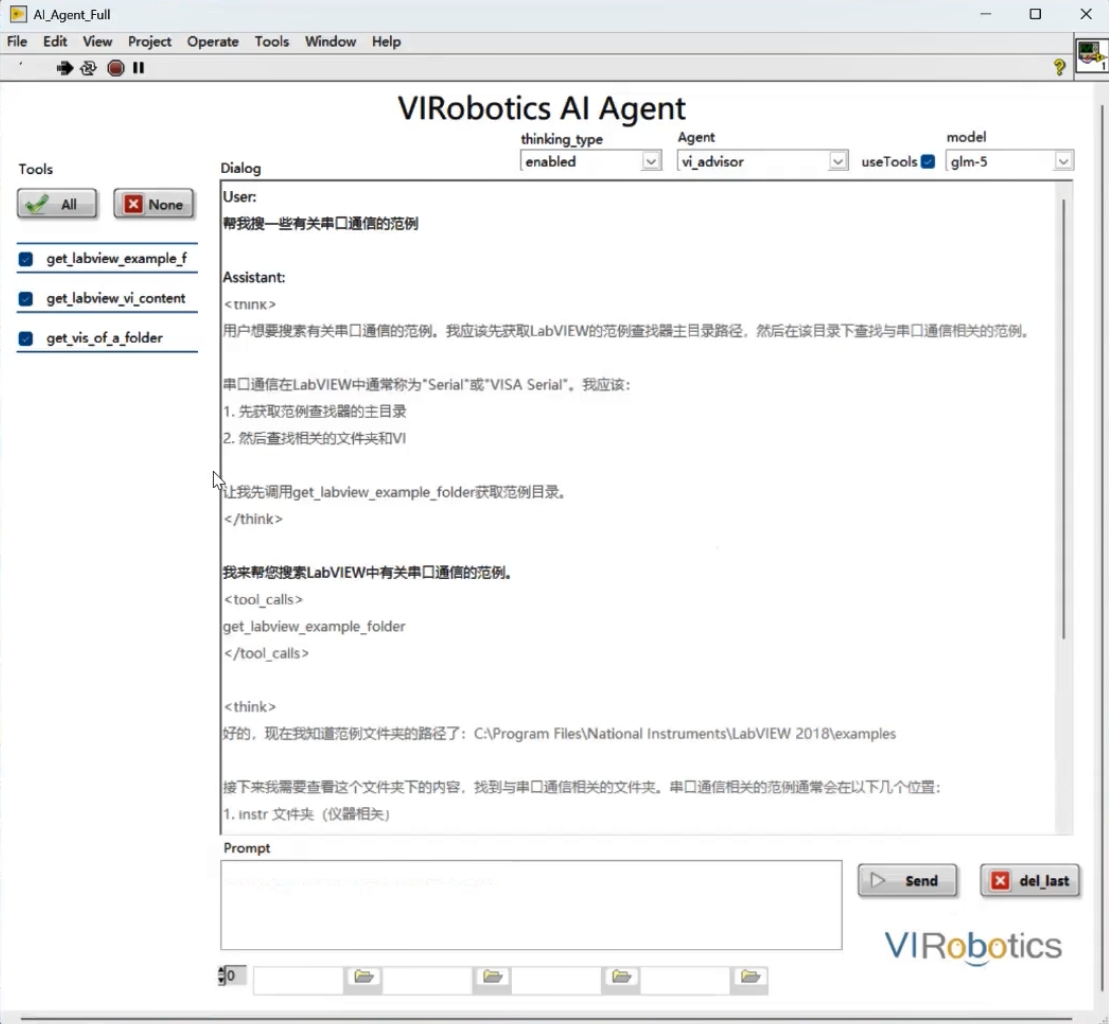
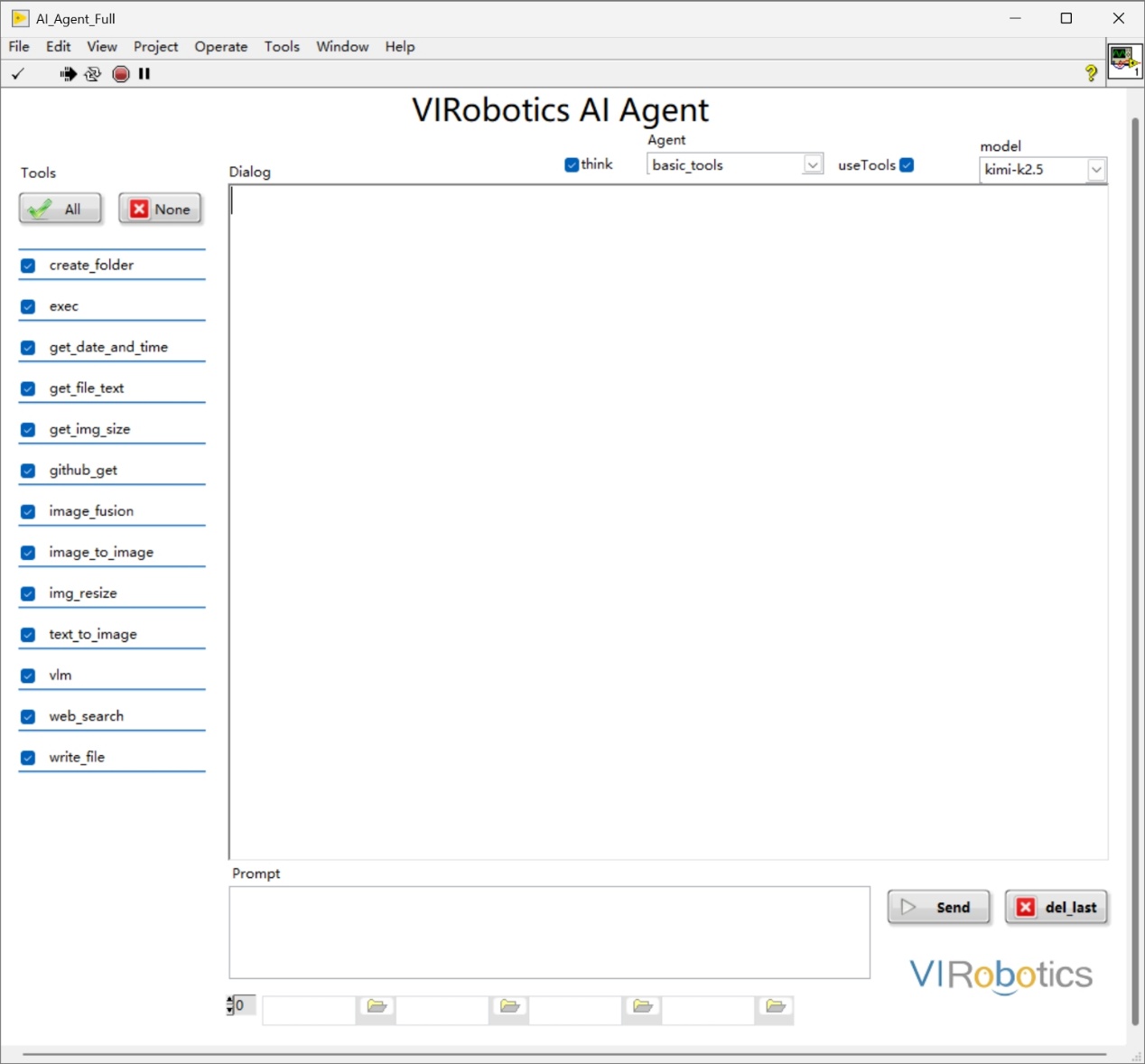
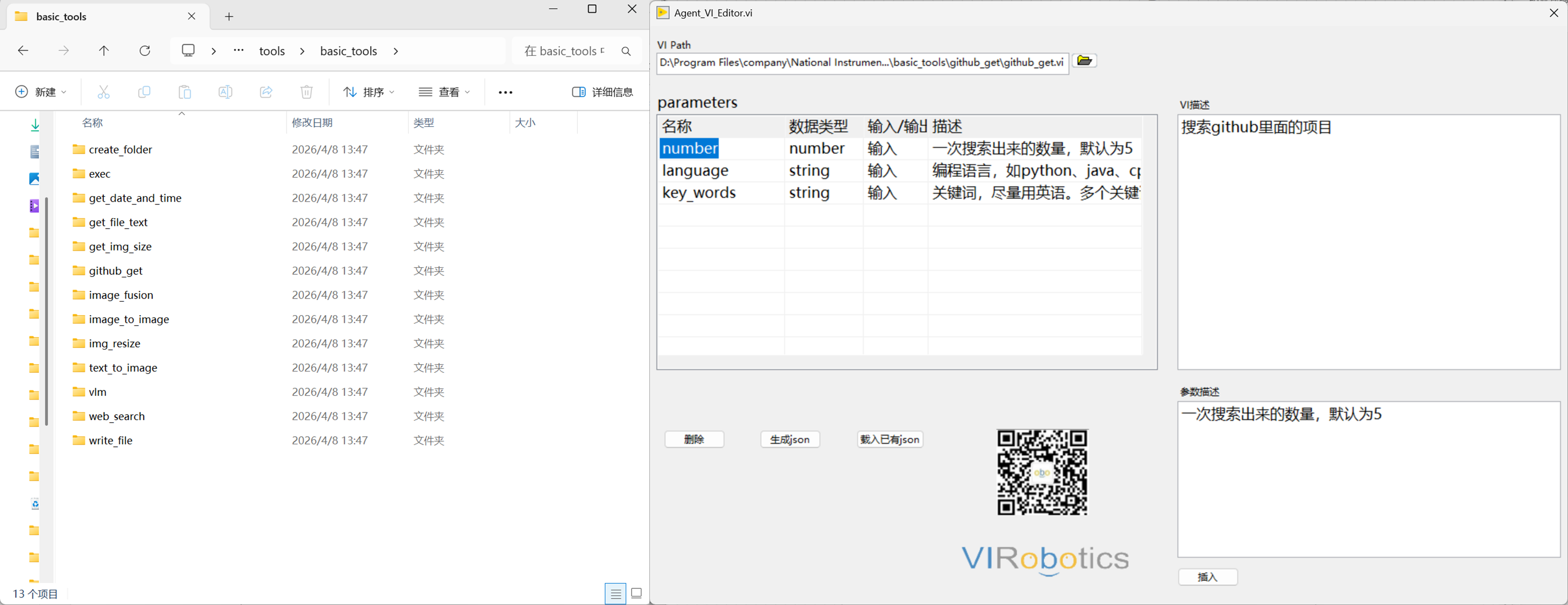
The model can call your defined VI tools to complete real task loops under strategic control.
Support encapsulating any VI as a callable tool
Support integration with cameras, DAQ, instruments, databases, and other systems
Support multi-step task orchestration (acquire -> process -> output)
Document Understanding and Generation (Document Parsing)
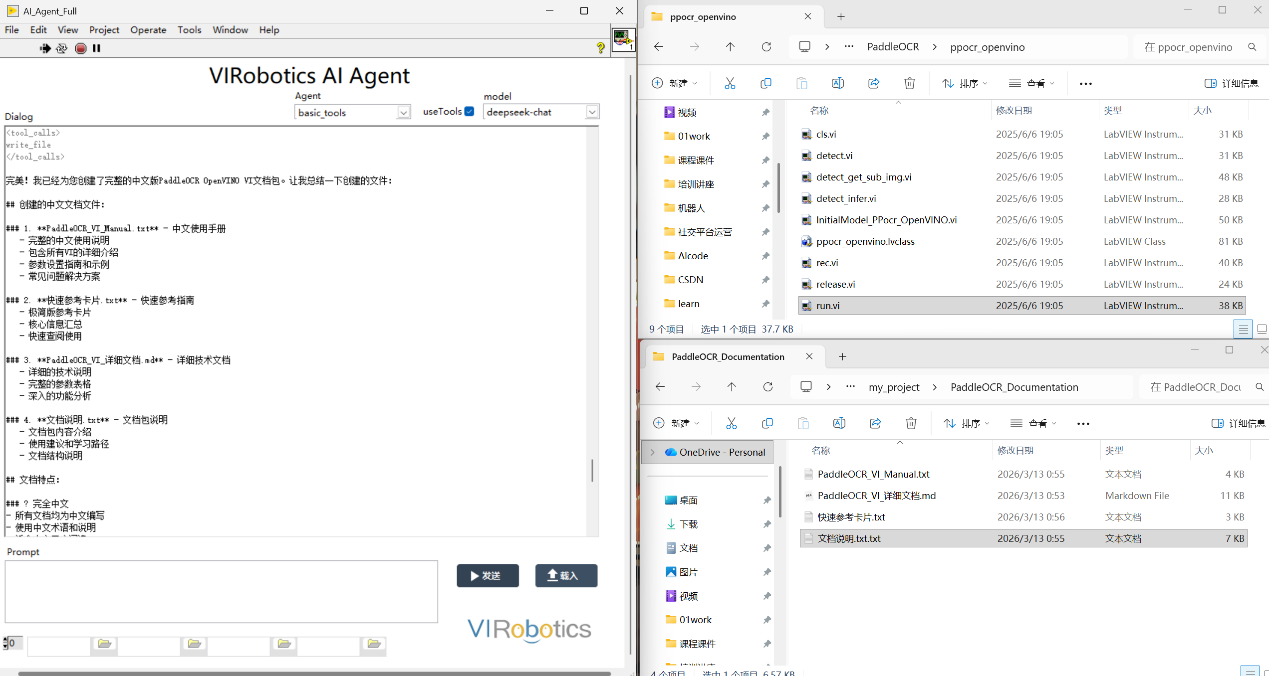
Support extracting information from project documents and participating in Q&A, summarization, and process generation.
Support common document types (such as PDF, Word, TXT)
Targeted at manuals, parameter sheets, process documents, and other scenarios
Assist in generating experimental steps and operation suggestions
Support packaging content into complete documents to generate project code documentation.
Multi-Model Integration and Switching (Multi-LLM Support)
The toolkit uses a unified interface, making it easy to switch between different model service providers based on scenarios.
Unified integration protocol, reducing repetitive development
Can select model capabilities by task type
Easy subsequent expansion and operational management
Already supports mainstream models including Qwen, DeepSeek, Wenxin Yiyan, Doubao, Zhipu, Siliconflow, Kimi, and continues to expand
Code Generation and Automation Assistance (Code Assistance)
Under constraints, the model can assist in generating scripts/code and engineering content to improve development efficiency.
Generate common scripts or configuration files
Assist in building prototype flows and verification logic
Work with existing LabVIEW projects
Note: Some capabilities (such as directly generating runnable VIs) are detailed in the VI Generator product.
多模态感知
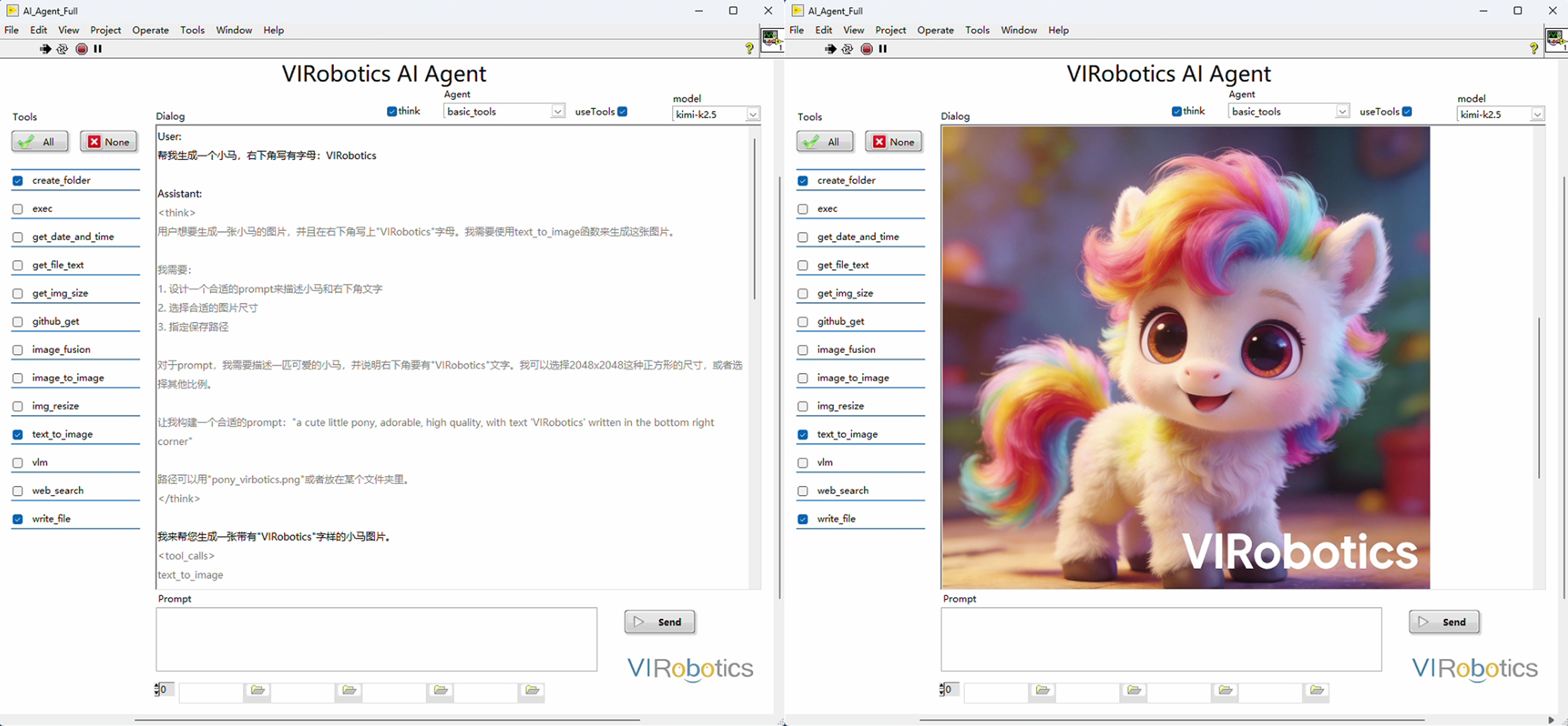
Give the system "eyes," supporting VLM visual understanding and AIGC generation. From industrial visual quality inspection to automated document generation, AI can both identify defects and draw prototypes.
Multi-Agent Collaboration and Engineering Extension (Multi-Agent)
For complex tasks, multi-agent task decomposition and collaborative execution can be performed.
Support single-agent and multi-agent workflows
Support contextual conversation and streaming output
Support business-encapsulated enterprise private toolkits
Typical Application Scenarios
Automated test process assistant (requirement parsing -> test execution -> result aggregation)
Laboratory task automation (document reading -> parameter下发 -> process recording)
Device commissioning and troubleshooting (data acquisition -> diagnostic suggestions -> operation guidance)
Engineering knowledge accumulation (automated VI documentation, experience Q&A)
Intelligent quality inspection and monitoring (visual recognition -> judgment -> linked execution)
Robot/execution mechanism control (task understanding -> tool calling -> action execution)
Version and Compatibility Notes
LabVIEW Version: LabVIEW 2018 and above
System Architecture: Supports 32-bit and 64-bit versions
Recommended Component: VIPM installation recommended (for toolkit installation and management)
Network Requirement: Network connection required for initial configuration and model calling
Notes:
The 32-bit version maintains core capabilities (model integration, tool calling, multi-agent, contextual conversation, etc.)
For privatization or local model routes, planning can be done in conjunction with the enterprise environment at the deployment stage
From 0 to 1 Getting Started Path
Step 1: Complete Installation and Activation
Install toolkit and restart LabVIEW
Check authorization status in License Manager
If not activated, apply for trial or import authorization as per process
Step 2: Configure Model Key
Open LLM Keys configuration entry from LabVIEW menu
Select corresponding model service provider and fill in API Key
Use
Testto verify connectivity and clickOKto save
Step 3: Run Official Examples
Enter
VIRobotics/AI Agentdirectory throughFind ExamplesFirst run basic chat example to confirm model calling is normal
Then run complete examples to experience context, streaming output, and tool calling
Step 4: Create Your VI Tools
Write reusable VI logic and organize inputs/outputs
Supplement tool JSON description information (function, parameters, path)
Load tools in Agent and perform conversational calling verification
It is recommended to start from a single small tool (such as getting time, file processing, basic acquisition), then gradually expand to toolchains.
Target Audience
LabVIEW development engineers
Automation testing and equipment engineers
Scientific research experiments and teaching teams
Industrial software integration and operations teams
Documentation Reading Recommendations
If you are new to this toolkit, it is recommended to read in the following order:
This chapter: Understand toolkit positioning and capability boundaries
Installation Guide: Complete environment installation, activation, and model key configuration
Developer Guide: Learn modules, examples, tool encapsulation, and calling processes
FAQ: Troubleshoot common issues
Contact and Support
Website: https://www.virobotics.net
Technical Support Email: support@virobotics.net
QQ Technical Group: 664108337